Watercolor Floral Wedding Menu Card Template Guide
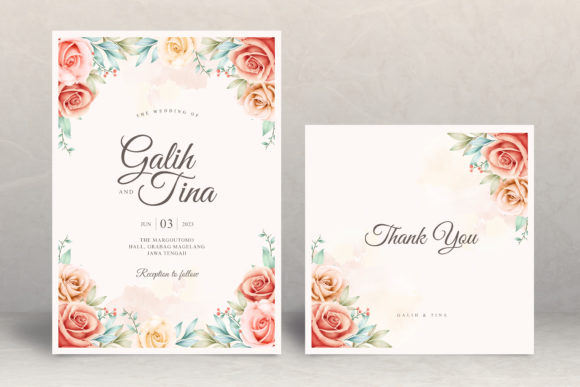
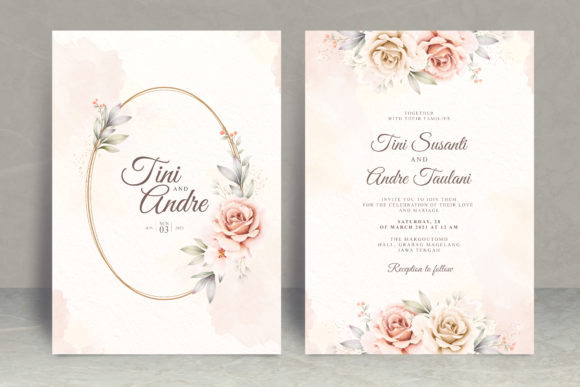
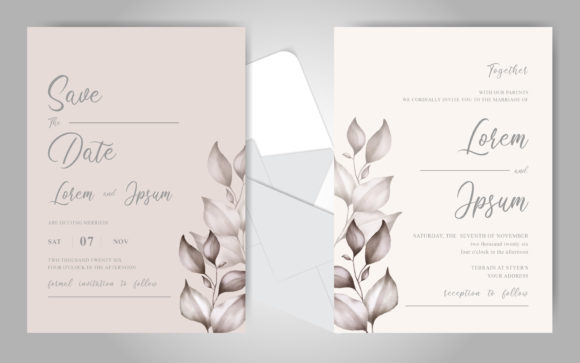
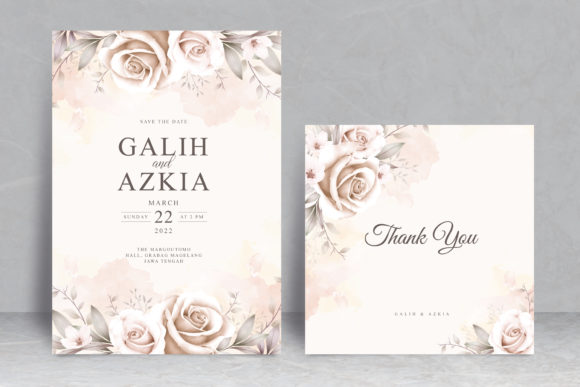
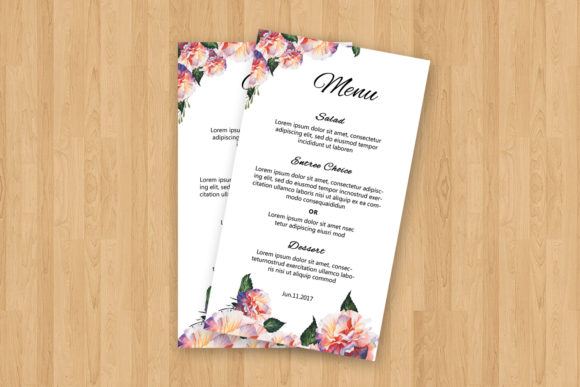
Creating a cohesive visual experience for your wedding reception often comes down to the smallest details. The Watercolor Floral Wedding Menu Card serves as both a functional guide for your guests and a decorative element that reinforces your chosen theme. Unlike generic catering lists, a watercolor design brings an organic, romantic softness to the table setting. This specific printable template bridges the gap between high-end custom stationery and budget-friendly DIY solutions, offering professional aesthetics without the professional price tag or wait times.
For couples managing their own event planning, this digital asset eliminates the stress of designing from scratch. It provides a pre-structured layout where the artistic heavy lifting is already complete. You are not purchasing a static image or a mere mock-up; you are acquiring fully editable source files. This distinction is crucial because it grants you total control over the content while maintaining the integrity of the original watercolor artwork. Whether you are tech-savvy or a complete beginner, the dual-format inclusion ensures accessibility for every skill level.
Understanding the Editable File Formats
Versatility is the primary advantage of this instant download package. Recognizing that not every user has access to advanced graphic design software, the template includes two distinct working files. This flexibility allows you to choose the editing environment that best suits your current capabilities and available tools.
- Microsoft Word (DOCX): Compatible with versions 2007 through 2013 and beyond, this format is ideal for users who prefer a familiar word processing interface. Editing in Word is straightforward and requires no specialized training. You can type directly into existing text boxes, adjust alignment using standard toolbar options, and print directly from the program.
- Photoshop (PSD): Designed for Photoshop CS6 and newer (compatible back to CS2), this layered file offers granular control. Professional designers or enthusiasts can manipulate individual layers, adjust color balance, resize elements without quality loss, and apply advanced typography treatments. The PSD format preserves the separation between the floral background art and the editable text areas.
Both formats maintain the crisp 4×7 inch dimensions, ensuring that regardless of which software you use, the final printed output remains consistent and properly scaled for standard place settings.
Streamlined Customization Process
The true value of a printable wedding menu template lies in how quickly it can be personalized. With this watercolor floral design, the workflow is optimized for efficiency. Upon downloading the files to your computer, you simply open the document in your preferred application. There is no need to recreate borders, import clip art, or worry about margins.
Changing the font is particularly intuitive. If the default typography does not match your invitation suite, you can select the text with the text tool and replace it instantly. A download link for the specific fonts used in the original design is included in the help file, ensuring you can replicate the exact look shown in the preview. However, you are free to install and use any system fonts you prefer. This adaptability means the menu can transition seamlessly from a rustic garden party aesthetic to a more modern minimalist vibe simply by swapping typefaces.
Practical Applications Beyond the Reception Table
While primarily designed as a dining menu, the 4×7 inch watercolor floral format supports various creative and functional applications. Understanding these alternative uses maximizes the return on your purchase and helps unify your event branding.
Welcome Signage and Programs: By adjusting the text content, this template easily converts into a welcome card for guest accommodation bags or a condensed ceremony program. The vertical orientation and elegant floral border provide enough space for a schedule of events or a heartfelt note from the couple, all while matching the reception decor.
Favors and Thank You Notes: For smaller gatherings or intimate dinners, the template can serve as an oversized thank-you card placed at each setting. Instead of listing courses, utilize the space to write a personal message or detail the story behind a signature cocktail. The watercolor texture adds warmth that plain cardstock cannot achieve.
Vendor Collaboration Tool: Even if you plan to hire a professional printer later, having an editable Word or Photoshop file is invaluable during the planning phase. You can send updated drafts to your caterer for proofreading, share layouts with your florist to ensure color coordination, or test different paper stocks at home before committing to a bulk print order.
Important Considerations Before Printing
Achieving a professional result with a digital template requires attention to technical details. Before sending your Watercolor Floral Wedding Menu Card to print, consider the following factors to ensure the physical product matches your digital vision.
- Paper Selection Matters: Watercolor designs rely heavily on texture to look authentic. Printing on standard glossy photo paper can make the artwork appear flat or artificial. Opt for matte cardstock, linen-textured paper, or cotton rag paper. These substrates absorb ink in a way that mimics traditional watercolor painting, enhancing the organic feel of the floral elements.
- Color Calibration: Home printers and commercial presses interpret RGB (screen) and CMYK (print) colors differently. Always perform a test print on your intended paper stock. Check if the greens are too vibrant or if the pinks appear washed out. Adjusting brightness or saturation in Photoshop or even Word’s picture formatting tools may be necessary to compensate for your specific printer’s profile.
- Bleed and Trim Safety: Although the file is sized at 4×7 inches, verify your printer’s margin requirements. Some home printers cannot print edge-to-edge. If you require full-bleed printing where the watercolor extends to the very edge of the card, professional printing services are usually necessary. For home printing, consider adding a white border or selecting a paper size slightly larger than 4×7 and trimming it down manually with a paper cutter for clean edges.
- Font Licensing: While the help file includes links to the featured fonts, always verify the licensing terms if you plan to use the design for commercial purposes or resale. For personal wedding use, most free fonts are permissible, but checking prevents future legal complications.
Why Instant Download Templates Make Sense
In the timeline of wedding planning, waiting weeks for custom stationery proofs can create unnecessary bottlenecks. The instant download nature of this template addresses the immediate needs of modern couples and planners. Affordability is another significant factor; allocating budget toward food, entertainment, or photography often takes precedence over stationery. This template delivers high-design value at a fraction of the cost of bespoke design services.
Furthermore, the ability to edit indefinitely provides peace of mind. Menu changes happen frequently as dietary restrictions are confirmed or seasonal ingredient availability shifts. With a physical custom print run, a last-minute change could be disastrous or expensive. With this editable Photoshop and MS Word template, updating the entree description or correcting a spelling error takes seconds. You retain ownership of the asset, allowing for unlimited revisions and reprints long after the initial download.
Ultimately, this watercolor floral menu template empowers you to take charge of your event’s visual narrative. It respects your time and budget while delivering an elegant, personalized touch that guests will appreciate. Whether you are a bride crafting a dream day, a planner managing multiple clients, or a hobbyist exploring digital design, this resource simplifies the path to beautiful, functional wedding stationery.